
No internet: offline and sync
Add expenses in a shop with no signal — they're saved on your phone and sent by themselves. What "Offline mode" means and how to update.
Available to: Owner, Administrator, User, and Child
Finanse.app also works without internet. You can add an expense from a market stall, a basement shop or a plane straight away, and the app sends it by itself once it has a signal. That’s handy when travelling and in places with a weak connection.
Step by step
- When you lose your connection, a grey Offline mode bar appears below the top bar.
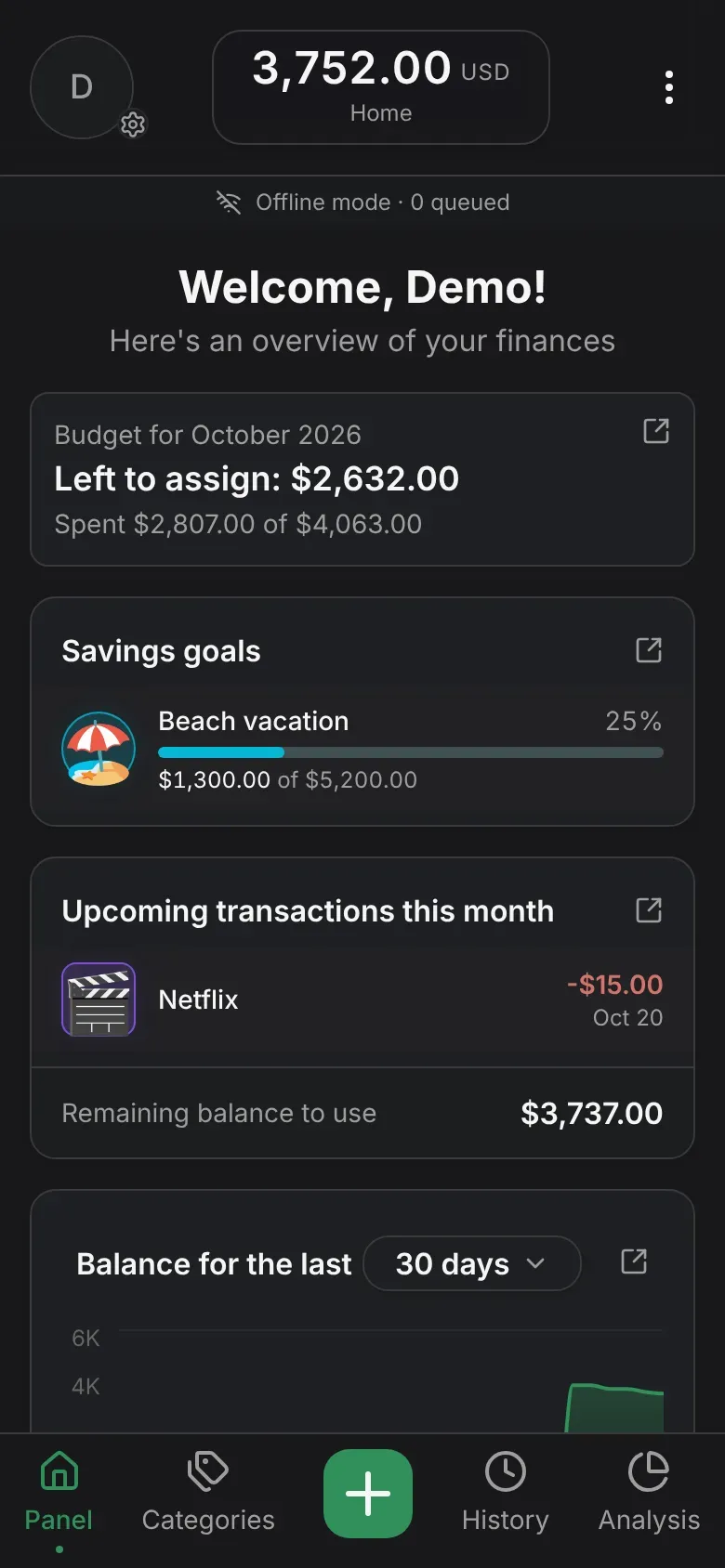
- Add a transaction as usual and tap Save. You see the message Saved offline – will sync automatically.
- The bar shows how many changes are waiting to be sent, e.g. “Offline mode · 2 queued”.
- When the internet is back, the bar disappears and saved changes are sent by themselves. You don’t have to click anything.
- While data is loading, a thin progress line moves along the bottom of the top bar. When it’s gone, your data is up to date.
New app version
- When a new version is available, a pulsing dot appears on ⋮.
- Tap ⋮ and choose New version. The app reloads in the new version.
Small fixes install by themselves when you close the app or switch to another one. The app won’t reload while you have an unsaved add form.
Good to know
- You see the same data on every device you sign in on, and other people in the project see it too. Changes arrive live, without refreshing.
- Adding, editing and deleting transactions work fully offline.
- If you start the app without internet, changes to accounts, categories, templates and recurring transactions may not save — you’ll see an error message. Make them once you’re back online.
- Offline, the Notifications item in the ⋮ menu is inactive, and you can switch only to projects already opened on this device.
- Full offline access comes with the app installed on your home screen.
- Someone with the Child role sees only their own entries on a new device too.
- Changes saved offline stay on the device even after you close the app and are sent the next time you open it with internet.
Related
Frequently asked questions
Will I lose an expense added without internet?
No. The entry is saved on the device and sent by itself once the connection is back. The "queued" counter shows how many entries are waiting.
Will my spouse see my expense right away?
Yes, when both devices are online. Changes sync live between devices and people in the project.