
What is Finanse.app, and who is it for?
One family budget: everyone with their own login and role, manual entries with no bank login, works offline. What the app does and what it doesn't.
Finanse.app brings the whole family’s expenses and income together in one budget. Everyone has their own login and their own role, and you can see how much you spent, on what and who spent it.
Step by step
- Sign up with your Google account — no new password.
- In the setup wizard, create a project (your shared budget) or join a project someone invited you to.
- Enter the accounts you pay from and their real balances.
- Add every expense on the day you make it — from your phone, computer or tablet, even without internet.
- Invite your spouse or children. Everyone adds entries from their own profile to the same budget.
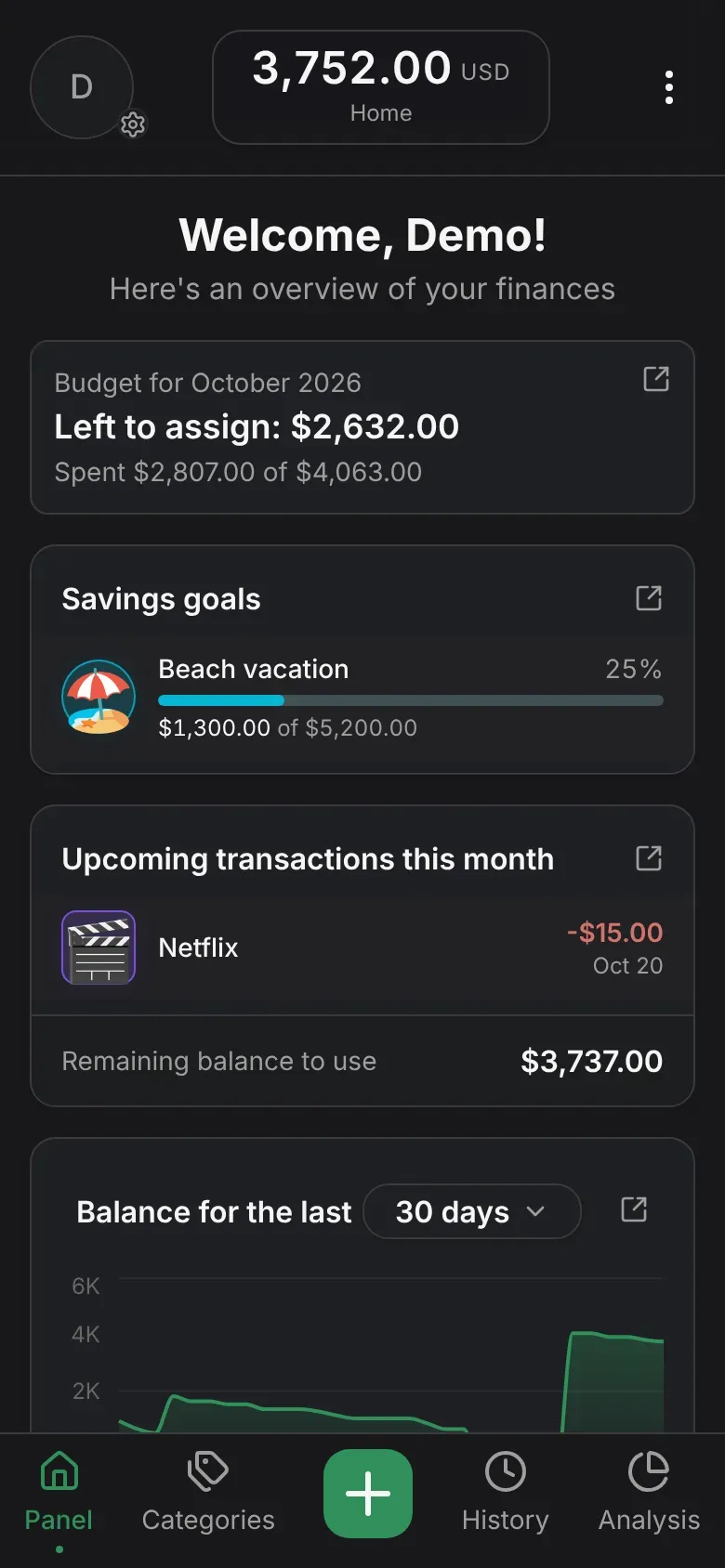
- Plan the month on the Budget screen and, after a few weeks, open Analysis.
Good to know
- Entries are manual — on purpose. The app doesn’t connect to your bank and never asks for your online banking login. Adding an expense takes a few seconds thanks to the calculator, templates and recurring payments. You can load older history from a CSV or Excel statement; the file is read on your device.
- Roles protect the budget. A project has an owner, and everyone else gets the role Administrator, User or Child. A child sees only their own entries. One project holds up to 10 people in total.
- It works offline and on every device. It is a web app (PWA): open it in the browser or install it on your home screen. Entries added without signal sync when you’re back online.
- ChatGPT is optional. You can connect your account to ChatGPT and, for example, add a receipt from a photo. The app works fully without it.
- You pay only through the subscription. No ads, and no making money from your data. One price covers the whole household. The current price and trial are shown in the Pricing section on the finanse.app home page.
- What the app doesn’t do: it doesn’t sync with your bank, it gives no investment advice, and loan balances in the loans section are estimates, not a bank statement.
What’s in the guide
The guide takes you from the first sign-in to a daily habit. The “Getting started” chapter covers your account, installing the app, the screen layout and a plan for the first week. The “Everyday tracking” chapter teaches adding expenses, templates, recurring payments, transfers and history. More chapters — accounts and categories, family, planning, analysis, ChatGPT and data — will follow step by step.
Why the app exists and the values behind it are on the About page.
Related
Frequently asked questions
Do I have to give the app my bank login?
No. Finanse.app never asks for it. You add expenses by hand, and you can load older history from a CSV or Excel statement.
Can I use the app on my own, without family?
Yes. A project can have just one person. A shared budget is the main feature, not a requirement.
Does the app show ads?
No. Finanse.app is funded only by the subscription and does not make money from your data.